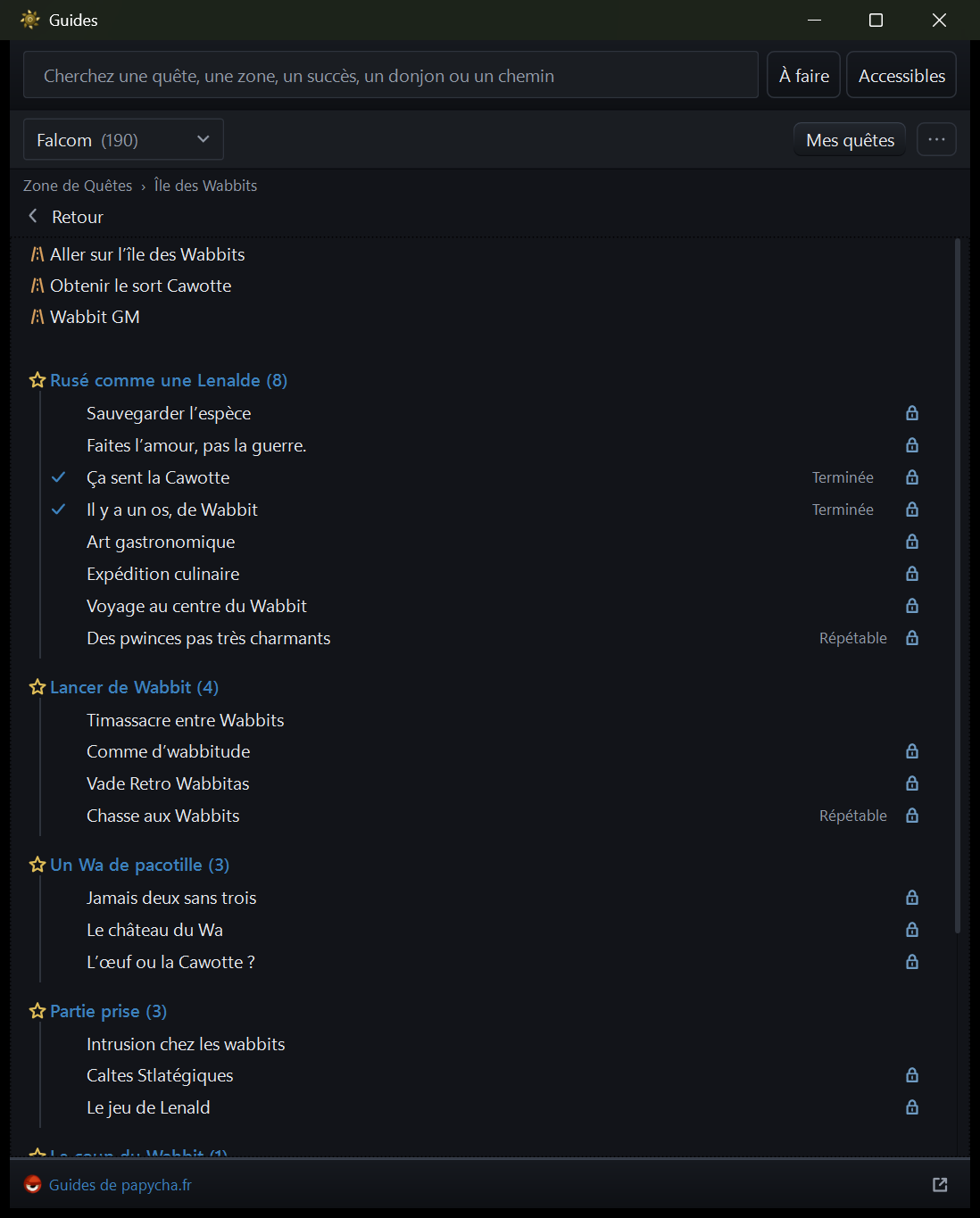
PapychaThe quest guides and your tracking, built in
Within the game's rules
No bot, no macro, no input replay
No action repeated across several accounts
The game is not modified, nor is the phone
No reading of memory, no network interception
No game asset embedded
The rest
One file, no installer
USB or Wi-Fi, with automatic reconnection
The phone's screen stays off while you play, Ctrl+E after a call
Clipboard both ways
English, French and Spanish
An anonymised incident report, ready to paste on GitHub or Discord
Questions
Can I get banned?
DT Hub never plays for you. The game runs on your phone, just as when you
play it by hand: DT Hub shows its screen on the PC and sends your mouse and
keyboard back. No bot, no macro, no action repeated across accounts, and
the game is not modified. Ankama's rules forbid emulators and automation,
among other things, and DT Hub is neither. We do not speak for Ankama: when
in doubt, its support has the last word.
How is it different from BlueStacks or another emulator?
An emulator such as BlueStacks runs Android, and the game with it, on the
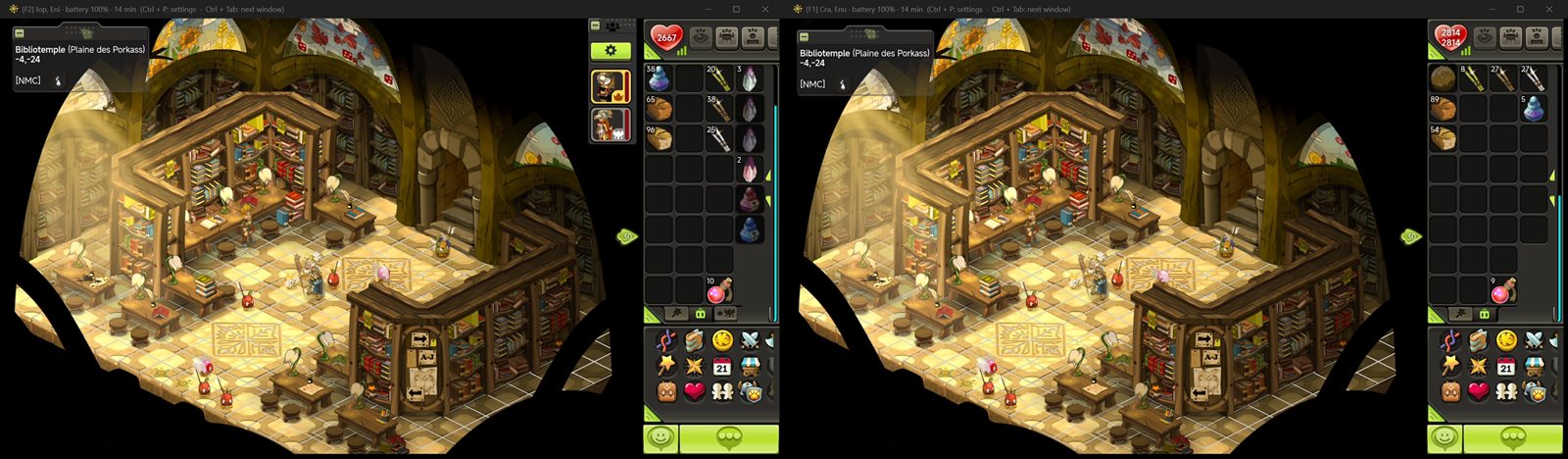
PC. DT Hub leaves the game on your phones and only mirrors their screens to
the PC, screen mirroring built for DOFUS Touch. The graphics card
decodes the picture, so each window costs little processor.
Every way to play on PC, compared.
How many accounts can I open?
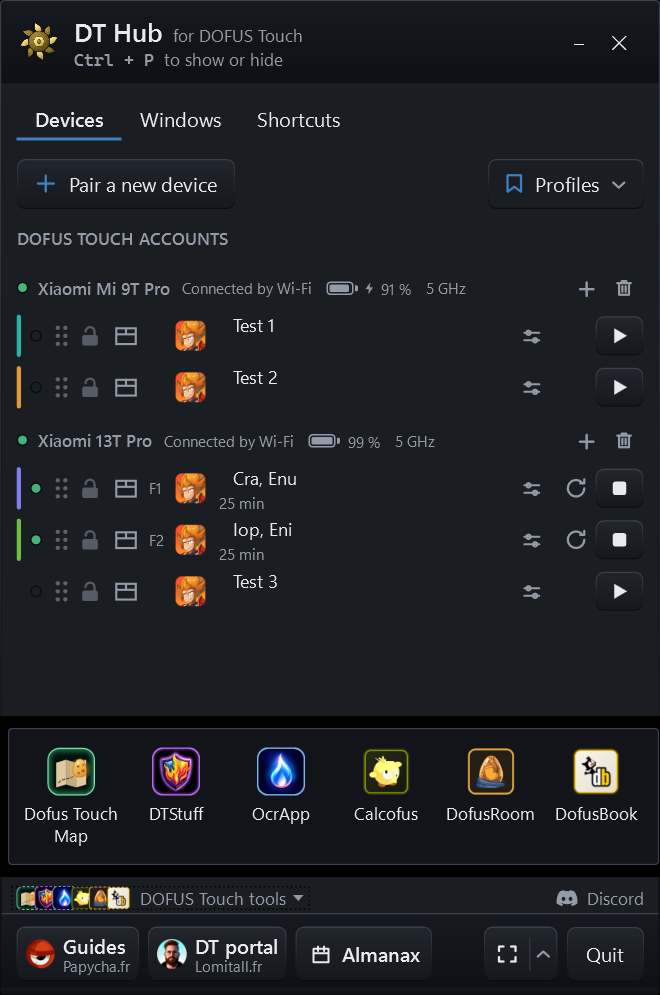
One per Android profile. A phone often has two: the main profile and a
cloned one, such as Xiaomi's Second space or Dual apps, or a work profile
made with Island. Connect several phones, over USB or Wi-Fi, and every
account on each opens in its own window.
Is multi-accounting allowed?
Yes, within limits: never more than two accounts in some fights, such as
the Kolossium, and every action made by hand, without automation. The
exact rules are on Ankama's support site.
Do I need to root my phone?
No. The phone is not modified: turn on USB debugging, or wireless
debugging, in the developer options, and DT Hub walks you through each step
the first time you connect.
Does it work with an iPhone?
No, Android only, version 11 or later: DT Hub relies on Android's
debugging tools, which iOS does not have.
An internet connection on first launch, for 19 MB of tools
Code signing: requested from SignPath Foundation, free for open source projects. The certificate will be issued in their name, not mine.
Windows warns on first run
DT Hub is new and not signed yet, so Windows does not know it.
Depending on the PC, one of these two windows appears:
"Windows protected your PC": More info, then Run anyway
"The publisher could not be verified": Run
Neither reports a virus, and no antivirus engine has found anything in
this file. A signing certificate has been requested and a Microsoft
analysis is under way. In the meantime,
check its checksum, and see why, in
French.



 DT Hub